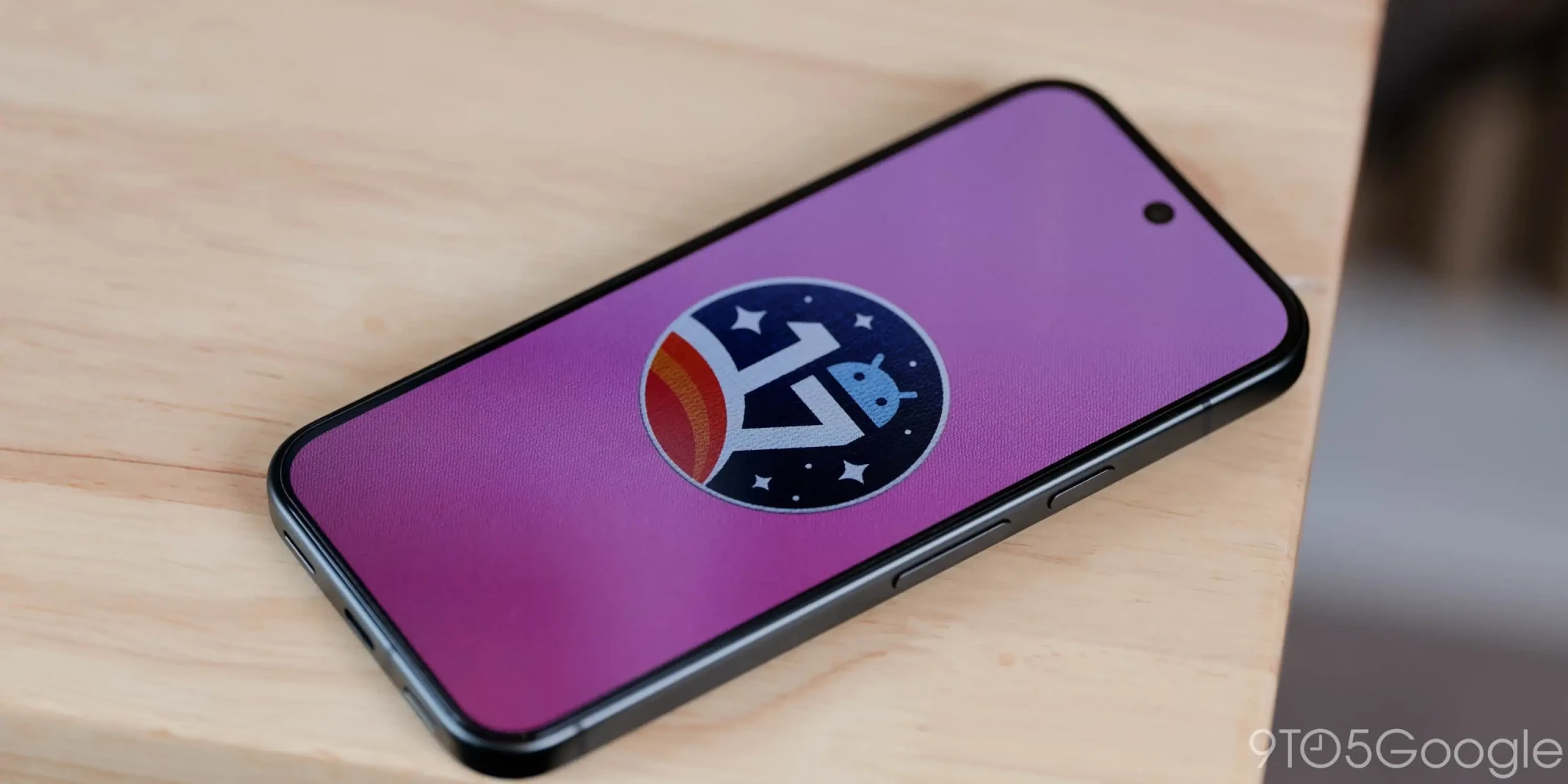
Pixel Face Unlock's Dark Fix May Be the Screen, Not IR
Everyone expects infrared to fix Pixel Face Unlock in the dark. Android 17 QPR3 code reportedly points to your own screen instead. It is unfinished.

Some Google Pixel owners are reporting that their phones refuse to recognize the correct PIN or pattern after installing the September 2026 security update. The bug appears to affect multiple Pixel generations and has forced some users to factory reset their devices just to regain access.
A Pixel 10 Pro XL owner on Reddit reported that their phone stopped accepting the correct pattern unlock immediately after the update. A Pixel 8a user described a different symptom — the phone would automatically accept a PIN after only one digit was entered, then display an incorrect PIN error.
One user reportedly got through the lockout by triggering the "Too many attempts" message and waiting for the cooldown timer to expire. Others were not as fortunate. Several affected Pixel owners had to perform a full factory reset, wiping all local data to get back into their phones.
The bug does not appear to be widespread. Reports so far are limited to a handful of users in online forums. However, the severity is high — being locked out of a phone with no alternative recovery path short of a data wipe is about as bad as a software bug gets.
Google appears to be aware of the issue and is actively reaching out to affected users in Reddit threads. The company has not issued a public statement or acknowledged the bug in its official support channels. The September 2026 Pixel Update Bulletin lists the usual security patches but does not mention lock screen issues.
If the lock screen stops responding to the correct PIN or pattern after the update, try triggering the lockout timer first. Enter the wrong PIN or pattern repeatedly until the phone shows "Too many attempts" and starts a countdown. After the timer expires, attempt the correct unlock method again — at least one user reported this resolved the issue.
If that fails, a factory reset through recovery mode is the only documented fix. This erases all data on the device, so users who do not have a recent backup will lose their local files. To enter recovery mode, power off the phone, then hold the power button and volume down simultaneously until the bootloader menu appears.
Everyone expects infrared to fix Pixel Face Unlock in the dark. Android 17 QPR3 code reportedly points to your own screen instead. It is unfinished.
The October Pixel update covers Pixel 6 through Pixel 11 and brings three fixes. For the Pixel 6 and 6 Pro, it is reportedly the final security update.
Google's first Android 17 QPR3 beta reaches Pixel 6a through Pixel 11 and fixes at least 20 QPR2 bugs. Stable is expected in March 2027.
Beta 6.1 puts the Pixel 11 series on Android 17 QPR2 a week after Beta 6 skipped it. Stable QPR2 is expected in December.
Organize your favorites into collections
Loading collections...
No collections yet. Create your first collection!